| README.md | ||

C# + NeoVim: putting build results into the quickfix window
The quickfix window
The quickfix window is a navigable list of locations - like errors or search results - that lets you jump through your code efficiently.
You can run commands and macros over every item with and over every file in the quickfix window with with :cdo and :cfdo - but that is a topic for another day.
You open the quickfix window with :copen and you close it with :cclose. An according mapping would look like this:
-- mappings.lua
map("n", "<leader>qo", "<cmd>copen<CR>", opts)
map("n", "<leader>qc", "<cmd>cclose<CR>", opts)
Using make to compile dotnet
:compiler <your-compiler> and :make work in conjunction.
When opening a c# project with nvim you have to tell neovim to use the dotnet compiler with :compiler dotnet and then use :make every time you would to a dotnet build in the terminal.
:make should produce the following result
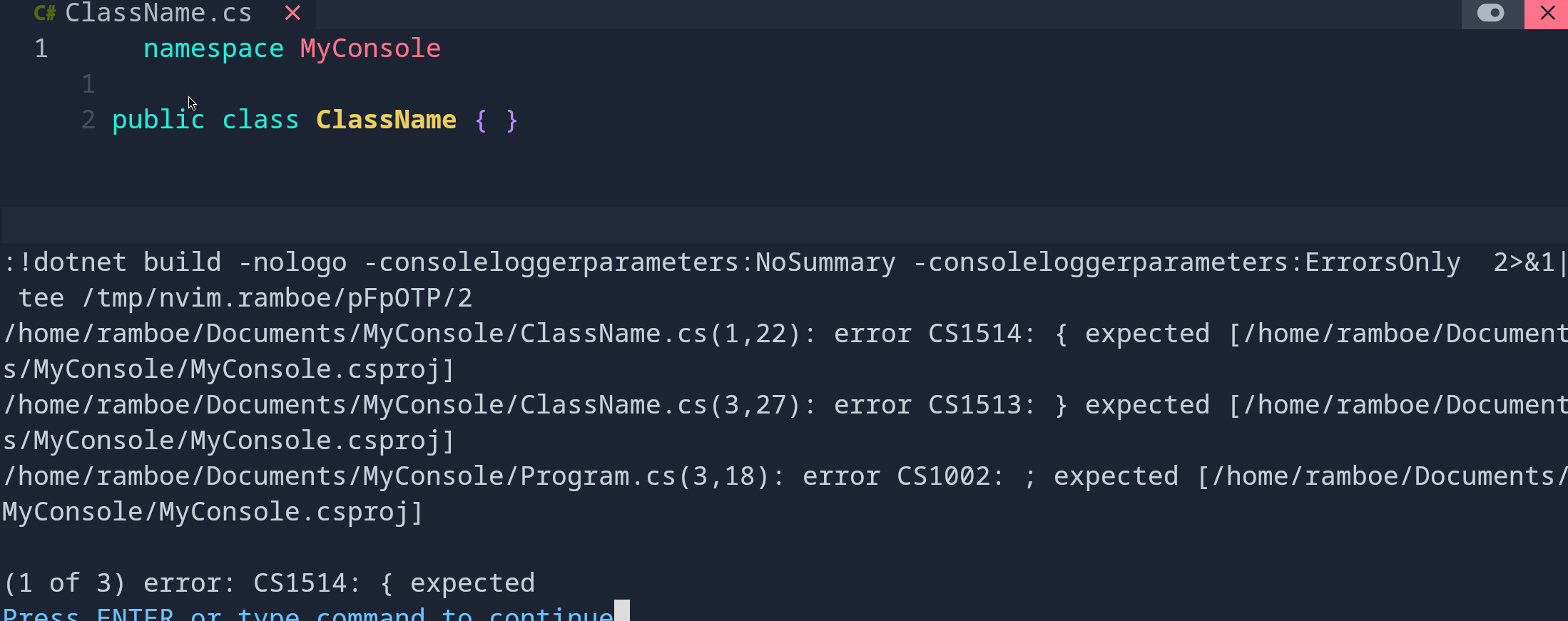
The result is also put into your quickfix window, open it with :copen - without any configuration it looks like this:
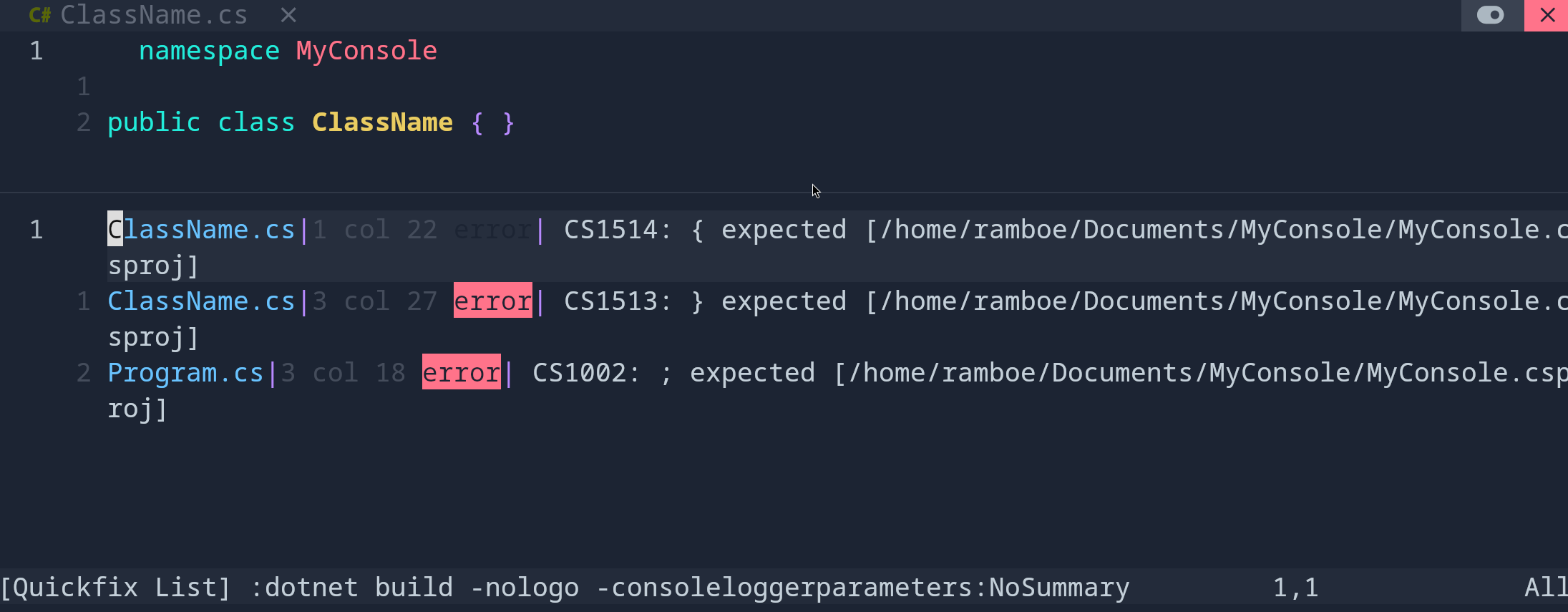
Configuring the make quickfix window output
The dotnet compiler is part of neovim already, so there is no need for extra dancing. You don't even need to configure anything.
Just remember :compiler <your-compiler> and :make work in conjunction. and you're good.
Configuration
In case you want to configure anything, you can put put the following lines somewhere inside your neovim configuration:
-- init.lua
vim.g.dotnet_errors_only = true
vim.g.dotnet_show_project_file = false
Explanation
dotnet_errors_only - don't show warnings in the quickfix window, only errors
dotnet_show_project_file = true - show project file path in quickfix window:

dotnet_show_project_file = false - do not show project file path in quickfix window:
