| lua | ||
| .gitignore | ||
| .stylua.toml | ||
| init.lua | ||
| lazy-lock.json.bak | ||
| LICENSE | ||
| README.md | ||

ramboe's nvim configuration
1 - prerequisites
- dotnet-sdk installed
- delete current neovim configuration (if existing) with
sudo rm -R ~/.config/nvim - netcoredbg intalled
download and install netcoredbg by executing the following command:
mkdir -p ~/Documents/debuggers && wget -O ~/Downloads/netcoredbg-linux-amd64.tar.gz https://github.com/Samsung/netcoredbg/releases/download/3.1.2-1054/netcoredbg-linux-amd64.tar.gz && tar -xzf ~/Downloads/netcoredbg-linux-amd64.tar.gz -C ~/Documents/debuggers
2 - load new neovim configuration form repository
git clone ssh://git@git.ramboe.io:9022/configuration/nvchad.git ~/.config/nvim
make sure to have nvim installed and ssh keys set up correctly.
3 - run nvim and update plugins
- let
TreeSitterinstalls run through :MasonInstallAll
Debugging in Conventional dotnet applicatio
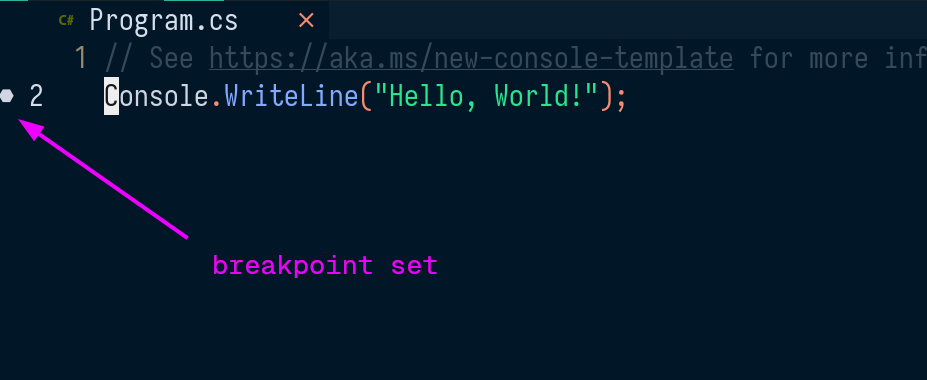
Toggle break points with F9
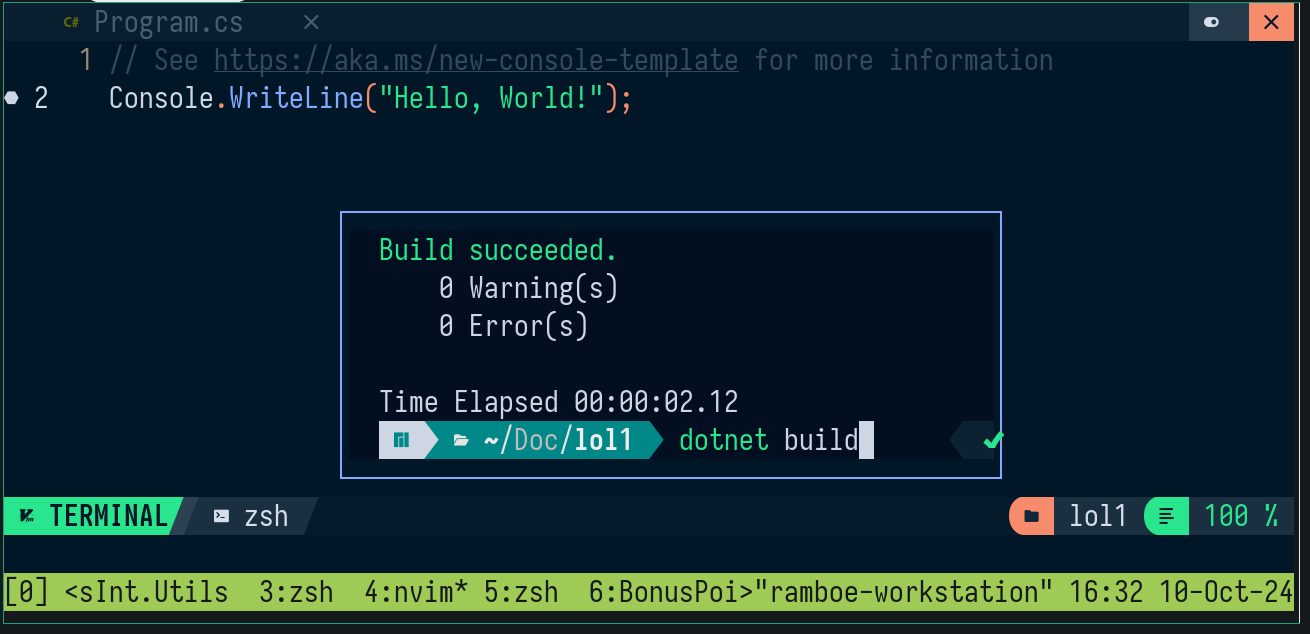
Make sure to build the project before debugging
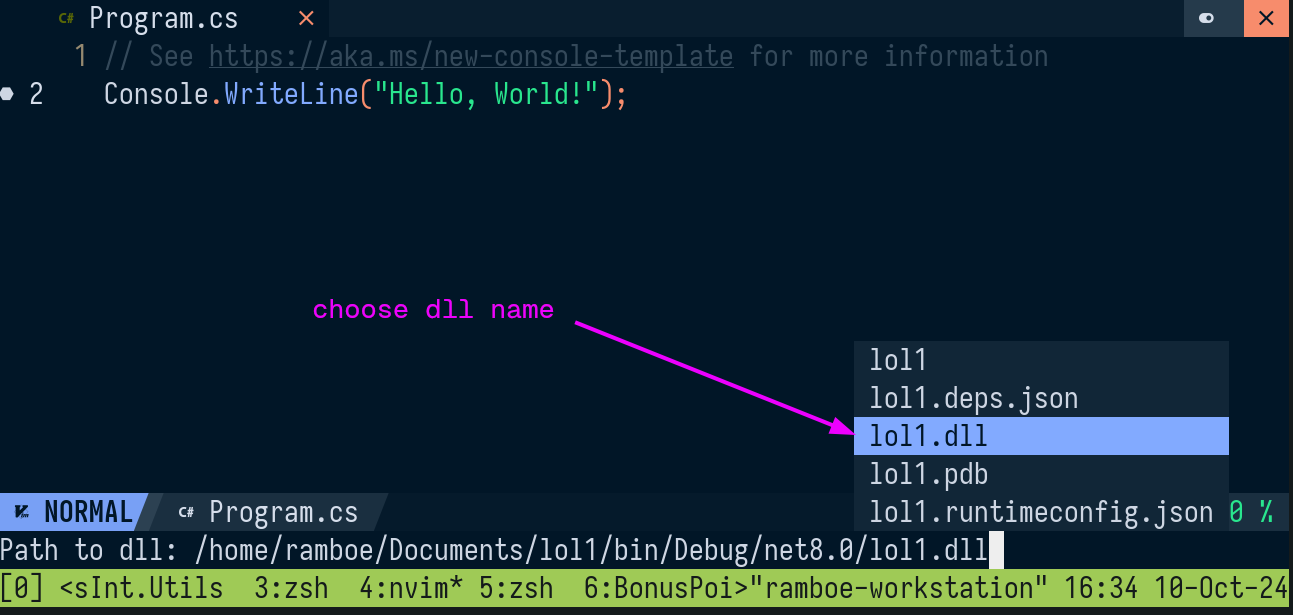
Start debugging with F5. You will be asked to put the dll the debugger needs to attach to
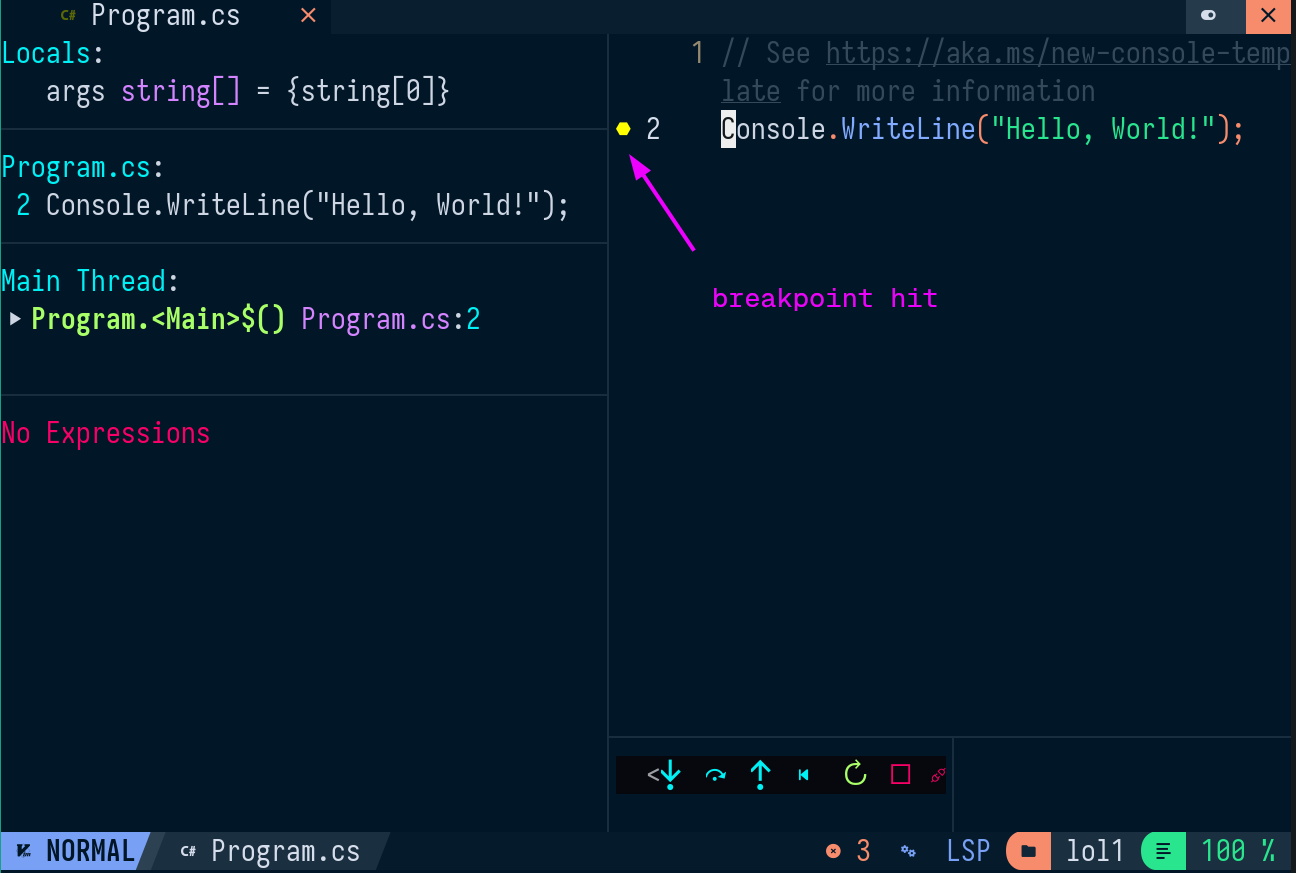
Once a breakpoint is hit it turns yellow
Debugging Unit Tests
Conventional Debugging with F5 will not work in Unit Tests. That's why we use neotest to debug here.
neotest-dotnet
Execute the following line to debug the nearest unit test under the cursor
:lua require("neotest").run.run({strategy = "dap"})
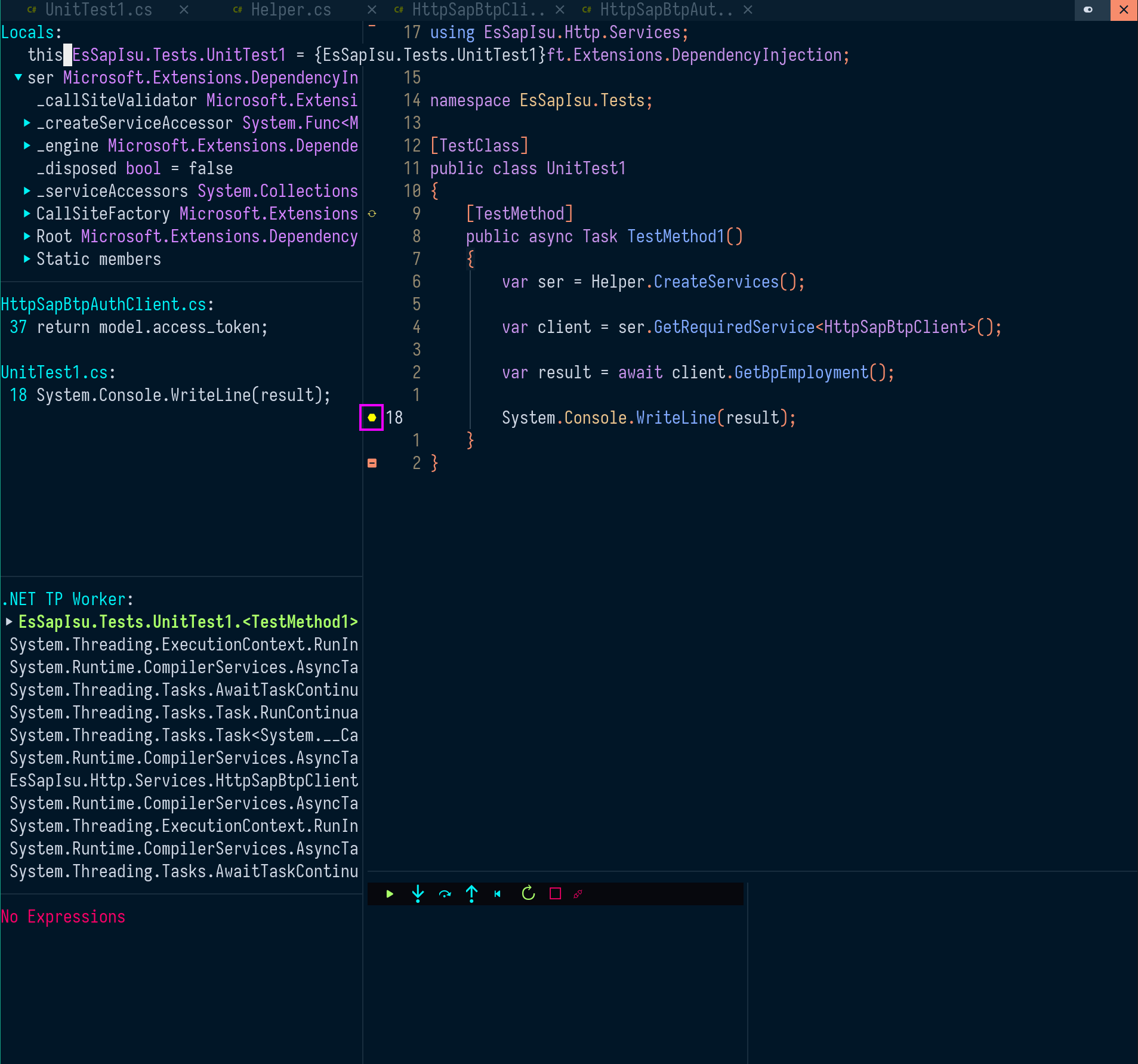
make sure the cursor is actually placed within a [TestMethod]
keyboard shortcut
The key combination to debug when inside a Unit Test is <leader>dt
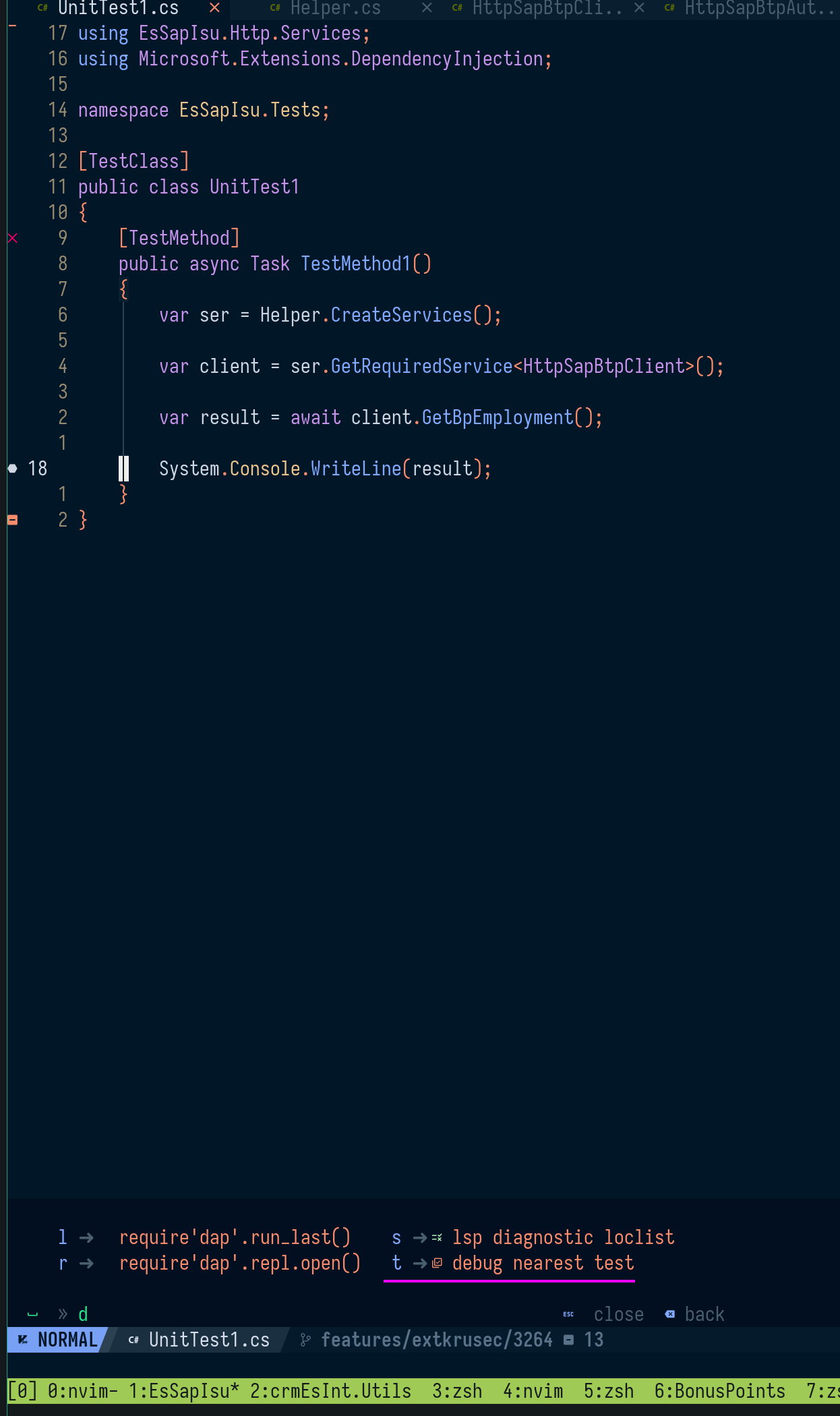
check the file nvim-dap.lua for all debugging related shortcuts.